Interactive prototypes through prompts
Describe a multistep flow and receive a code-based prototype whose controls can be tried out to gather feedback on navigation and clarity.
Figma Make: features cleverkitools.comcurated by Clever Mangos
 Editorial selection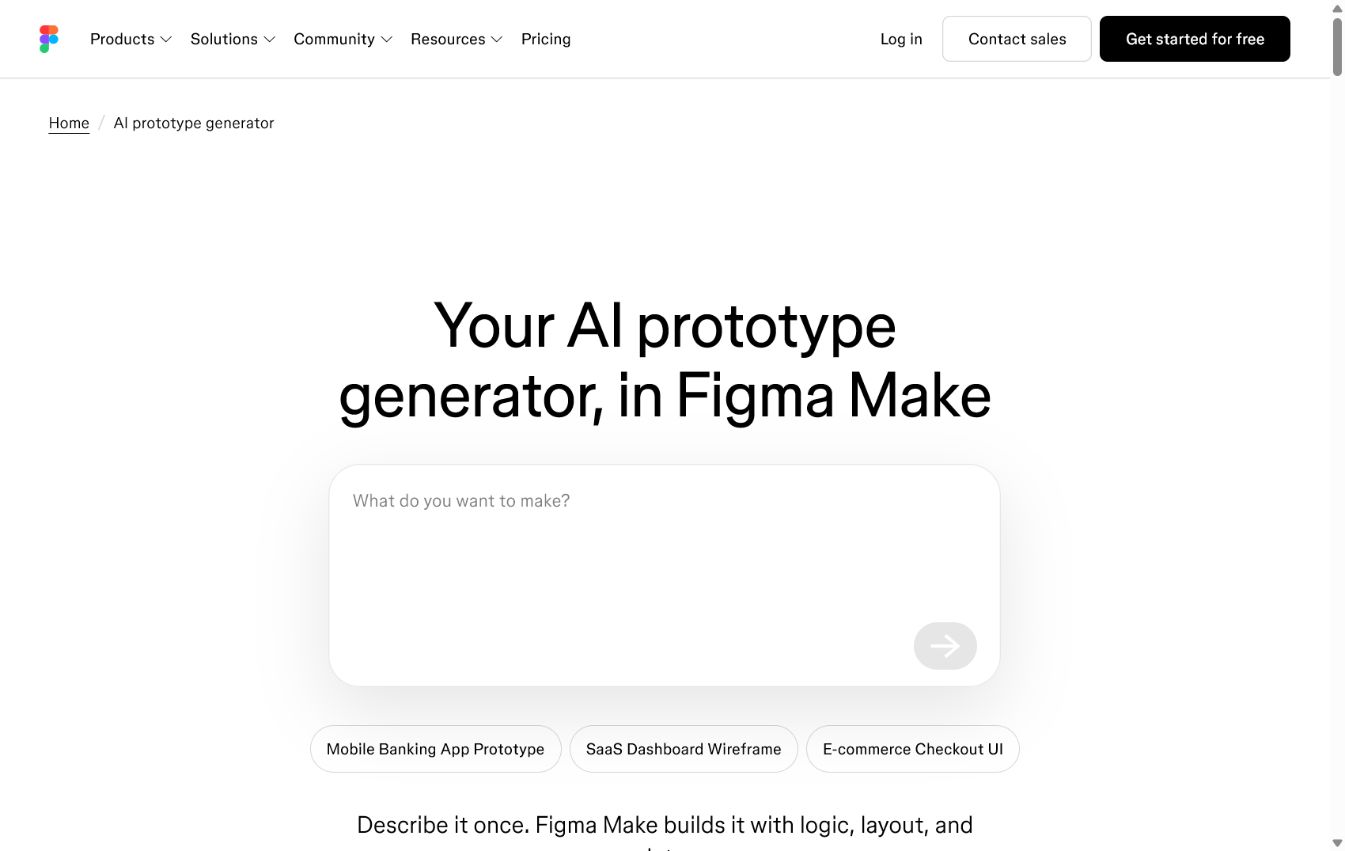
Figma Make turns ideas and existing designs into clickable prototypes or simple web apps. Ideal for teams wanting to show and test a solution before committing development capacity.
Editorial review: Jul 25, 2026
Facts checked: Oct 18, 2026
Translated: Oct 18, 2026
Practical value, usability and value for money, equally weighted.
Figma Make suits teams that want to make an idea visible and testable before investing development time in a real application.
Figma Make brings generative prototyping into a design environment many product and marketing teams already know. This shortens the path from concept to test.
Not suitable for production-critical applications with a complex data model, permission design or high load. Those still need technically planned implementation.
Describe a multistep flow and receive a code-based prototype whose controls can be tried out to gather feedback on navigation and clarity.
Figma Make: featuresAttached Figma frames, images, and design systems give the prototype existing design rules, which you can then refine directly in the preview.
Figma Make: featuresA code-based prototype can represent different inputs and views, allowing your team to discuss workflows and visible responses before full implementation.
Figma Make: featuresTypical outputs with Figma Make: a clickable user flow, a dashboard prototype or a process that can be validated for customers and internal teams.
Facts checked: Oct 18, 2026
We found a data processing agreement from the vendor. Check the contract for your use case to see which plan it covers and which international data transfers are provided for.
DPA: We found a DPA from the vendor. Check the contract to confirm that it covers your plan and use case.
Data storage: The sources reviewed did not provide clear confirmation of exclusively European data storage and processing.
Facts checked: Oct 5, 2026
Free plan: yes
Free plan, from 16 USD/month per Full Seat (annually). Starter is free with up to 500 AI credits per month; the Full Seat in the Professional plan includes 3.000 AI credits. Source
Free plan
Facts checked: Sep 30, 2026
Build a clickable prototype for a new customer or internal process: describe the starting screen, user task and two to three states, then test it with colleagues.
Create a clickable prototype for this workflow: user goal, starting page, three interactions and a success moment. Use a clear visual hierarchy and describe all states in a traceable way.
Make a prototype concrete: attach your existing Figma design or a PDF and describe selecting, requesting and confirming a consultation appointment. Have the flow implemented as a clickable prototype. Then check it on a smartphone and collect feedback directly through comments.
Figma Make: featuresHere is how to simplify coordination: Click an unclear button in the preview and specify the desired wording and effect, such as a clearly recognizable appointment request. Point-and-edit supports this targeted editing. Save a good intermediate version so you can compare or restore variations later.
Figma Make: featuresSources: Oct 18, 2026
Sophie_Teare reports that Figma Make recently became worse at turning screenshots of her app into prototypes and did not reliably follow detailed layout and spacing instructions; she switched to Claude Design for this workflow.
Sophie_TeareFigma Forum · Jun 4, 2026
With tools like Figma Make, we can now build prototypes quickly. Instead of six weeks from idea to a working view, it takes only a few hours.
Vishal KapoorFigma Make suits teams that want to make an idea visible and testable before investing development time in a real application.
Not suitable for production-critical applications with a complex data model, permission design or high load. Those still need technically planned implementation.
Interactive prototypes through prompts; develop Figma designs further; test logic and data states
Build a clickable prototype for a new customer or internal process: describe the starting screen, user task and two to three states, then test it with colleagues.
Free plan · from 16 USD/month per Full Seat (billed annually). See the pricing section on this page for pricing details and the documented information date.