AI-assisted work artifacts
Genspark can create editable presentations and reports from a topic or uploaded brief, which you then review for accuracy and export.
Genspark: Presentation creation cleverkitools.comcurated by Clever Mangos
 Editorial selection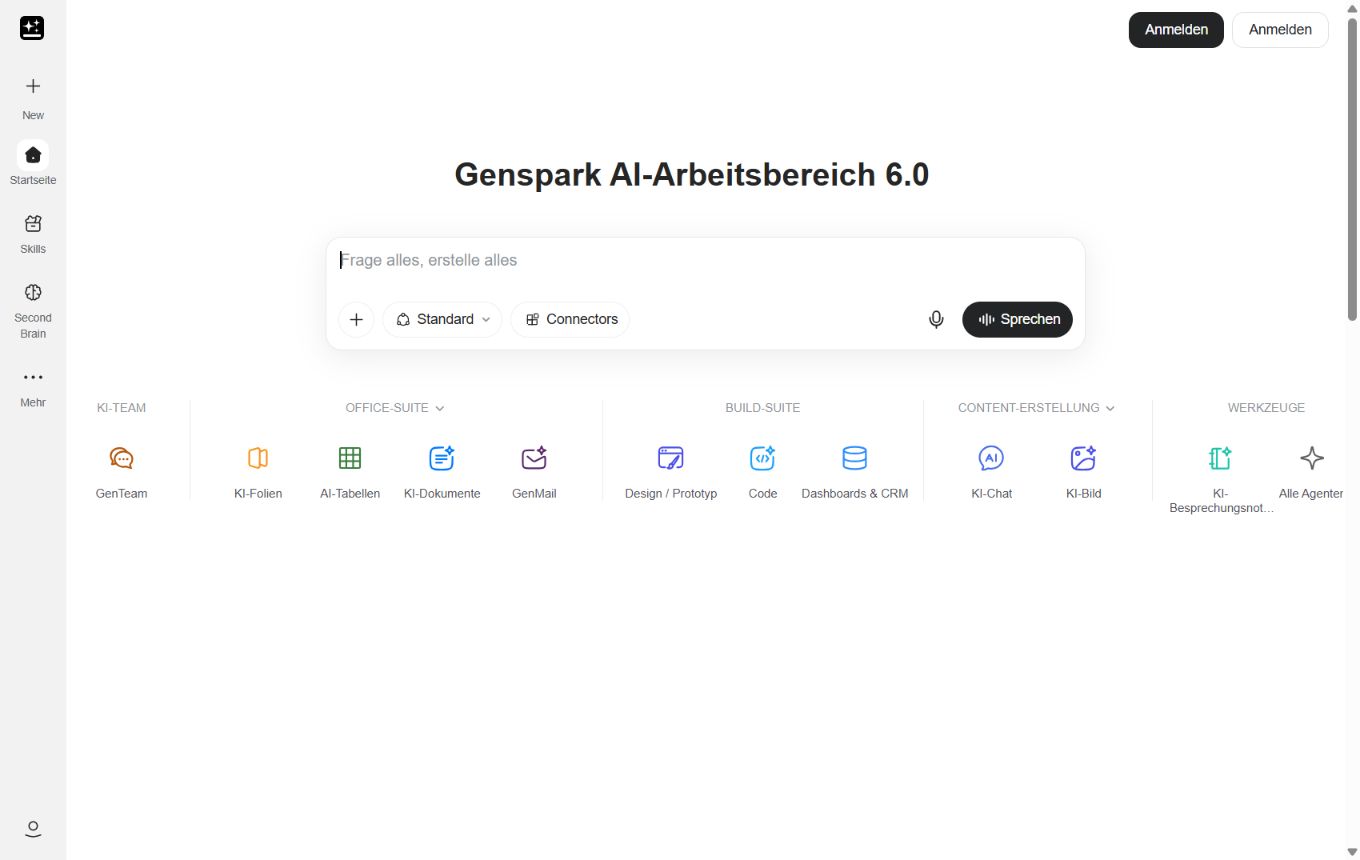
Genspark combines research with directly editable slides, spreadsheets and documents. Its current Workspace is particularly strong when research needs to become a concrete work artifact without switching tools.
Editorial review: Aug 28, 2026
Facts checked: Oct 18, 2026
Translated: Oct 18, 2026
Practical value, usability and value for money, equally weighted.
Teams that want to turn research results directly into slides, spreadsheets or documents and then develop them further in the same workspace.
Genspark brings research and work artifacts together. This is useful for content teams that need a verifiable briefing and usable first assets as well as links.
When unchecked research is to be published directly, or when sensitive customer data would enter an external workspace without a documented approval process.
Genspark can create editable presentations and reports from a topic or uploaded brief, which you then review for accuracy and export.
Genspark: Presentation creationTitles, images and charts can be selected, moved and redesigned on the slide canvas, while chat, history and export remain available in the same workspace.
Genspark: Canvas editorThe shared workspace offers research plus slide and spreadsheet tools, allowing you to carry researched figures from a market overview into further work artifacts, for example.
Genspark: WorkspaceTypical outputs with Genspark: researched briefings, editable presentation drafts, spreadsheet analyses, and documents from a shared workspace.
Facts checked: Oct 18, 2026
Client: yes · Server: no
The MCP Store in the Genspark browser connects external tools via MCP. Source
Facts checked: Sep 30, 2026
No DPA found, data in the USA, transfer only with consent. DPA: no · EU hosting: no · Headquarters: USA · Source
Facts checked: Sep 30, 2026
Free plan: yes
Free plan, from 19,99 USD/month (Plus, annually). Plus costs 24,99 USD when paid monthly. The pricing page is only visible after signing in; the amounts come from comparison sites and should be checked before publication. Source
Free plan
Facts checked: Sep 30, 2026
Turn a campaign briefing into a solid workbook with research, an outline, drafts and clear next steps for the marketing team.
Create a content plan from this briefing with sources, five core messages, three formats, and a to-do list prioritized by impact. Flag open assumptions.
Start the presentation draft in Guide mode with the audience, purchasing decision and desired slide count. Review the outline first: problem, solution, evidence, offer, next step. Only then approve it for design, so an unsuitable line of argument does not spread throughout the deck.
Genspark: PresentationsUpload an approved document or existing deck as your starting point. Request a short presentation for a specific customer meeting and export it as PPTX for further editing. Check researched figures, sources, and service promises before sending it.
Genspark: PresentationsSources: Oct 18, 2026
Jin-ho Jung uses Genspark in everyday creative work because research, visual references and different AI tasks come together in one workspace.
Jin-ho JungGenspark User Story · Jun 22, 2026
Teams that want to turn research results directly into slides, spreadsheets or documents and then develop them further in the same workspace.
When unchecked research is to be published directly, or when sensitive customer data would enter an external workspace without a documented approval process.
AI-powered work artifacts; edit slides directly on the canvas; research, slides, and spreadsheets in one workspace
Turn a campaign briefing into a solid workbook with research, an outline, drafts and clear next steps for the marketing team.
Free plan · from 19,99 USD/month (Plus, billed annually). You can find pricing details and the documented date in the pricing section of this page.