No-code Gemini prototypes
Describe a Gemini application in natural language to receive generated code and a live preview, then refine it with further instructions.
Google: AI Studio Build cleverkitools.comcurated by Clever Mangos
 Editorial selection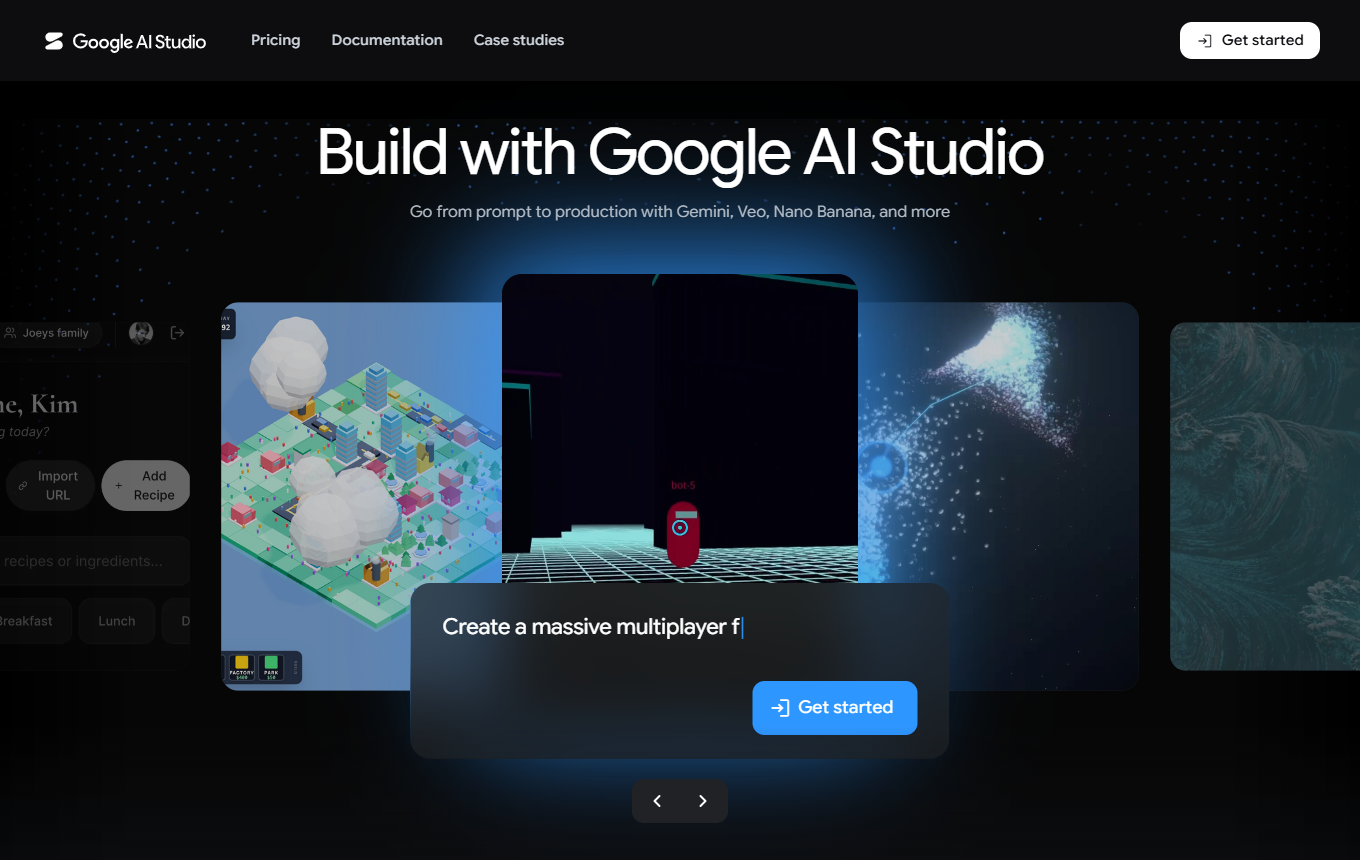
Google AI Studio: Rapid prototyping with Gemini models, prompts and API experiments. In practice, its value centers on no-code Gemini prototypes, prompt testing and an API experimentation workspace.
Editorial review: Jul 4, 2026
Facts checked: Oct 18, 2026
Translated: Oct 18, 2026
Practical value, usability and value for money, equally weighted.
Google AI Studio is particularly useful for a workflow built around no-code Gemini prototypes: gather source material, refine it through prompt testing and turn the result into a usable asset in the API experimentation workspace.
The reason to choose Google AI Studio is its specific combination of no-code Gemini prototypes, prompt testing and an API experimentation workspace. This combination sets it apart from general-purpose and specialist solutions in the 'No-Code & Coding' category.
If you need a production-ready, secure team workflow, AI Studio is better suited to experimentation than to use as a finished application.
Describe a Gemini application in natural language to receive generated code and a live preview, then refine it with further instructions.
Google: AI Studio BuildIn the Playground, compare responses to the same sample request after changing system instructions to see which requirements actually support your desired response format.
Google: AI Studio quickstartUse Get code to export a tested prompt as a code sample, then integrate it into your own Gemini-connected application.
Google: AI Studio quickstartTypical outputs with Google AI Studio: no-code Gemini prototypes, prompt tests and API experiments; for small businesses, these can also include a short brief, a checklist and a next action for the team responsible.
Facts checked: Oct 18, 2026
Client: yes · Server: no
The Gemini API can connect to remote MCP servers through the SDK and Managed Agents. Source
Facts checked: Sep 30, 2026
In the EEA, paid terms with Google's DPA also apply to free usage: no training and no EU data residency. DPA: yes · EU hosting: no · Headquarters: USA · Source
Facts checked: Sep 30, 2026
Free plan: yes
Usage-based billing. Check the vendor's source for base fees, advance payments and the costs of additional services.
Permanent free plan with usage limits according to the vendor.
Facts checked: Oct 5, 2026
Test a Gemini prototype without extensive setup: evaluate the prompt, system instruction, sample input and API output for a small internal assistant.
Turn this user story into a small prototype: data model, screens, acceptance criteria and tests focused on no-code Gemini prototypes.
Here is a possible brief for Build mode: create a calculator with three services, quantity fields and a transparent total. Start with fictional prices and test zero values and large quantities in the live preview. Then select the elements you want to change directly in the interface.
Google: Build apps in AI StudioHere is how to estimate costs for an AI prototype: test ten typical requests and check which model calls they trigger. According to Google, calls from shared apps count toward your usage limits; paid models can incur charges. Share the prototype with a small test group first and monitor usage.
Google: Build apps in AI StudioSources: Oct 18, 2026
In late April, Tony Madero reported difficulties deploying an app that had previously run for months, including a missing Deploy button and problems with billing and secret keys.
Tony_MaderoGoogle AI Developers Forum · Apr 29, 2026
Working with the Google AI Studio coding assistant felt like managing an enthusiastic intern who doubled as a panel of specialist advisers. It was careless with the codebase but sharp in reviews.
Doug SnyderVentureBeat: Vibe coding with overeager AI · Feb 28, 2026
Google AI Studio is particularly useful for a workflow built around no-code Gemini prototypes: gather source material, refine it through prompt testing and turn the result into a usable asset in the API experimentation workspace.
If you need a production-ready, secure team workflow, AI Studio is better suited to experimentation than to use as a finished application.
No-code Gemini prototypes; prompt testing; API experimentation workspace
Test a Gemini prototype without extensive setup: evaluate the prompt, system instruction, sample input and API output for a small internal assistant.
Free plan · Price: no verified information. See the pricing section on this page for details and the documented pricing status.