Cinematic clips with sound
Veo adds ambient sound, effects or dialogue to the described scene, giving a short workshop clip, for example, matching imagery and atmosphere.
Google DeepMind: Veo cleverkitools.comcurated by Clever Mangos
 Editorial selection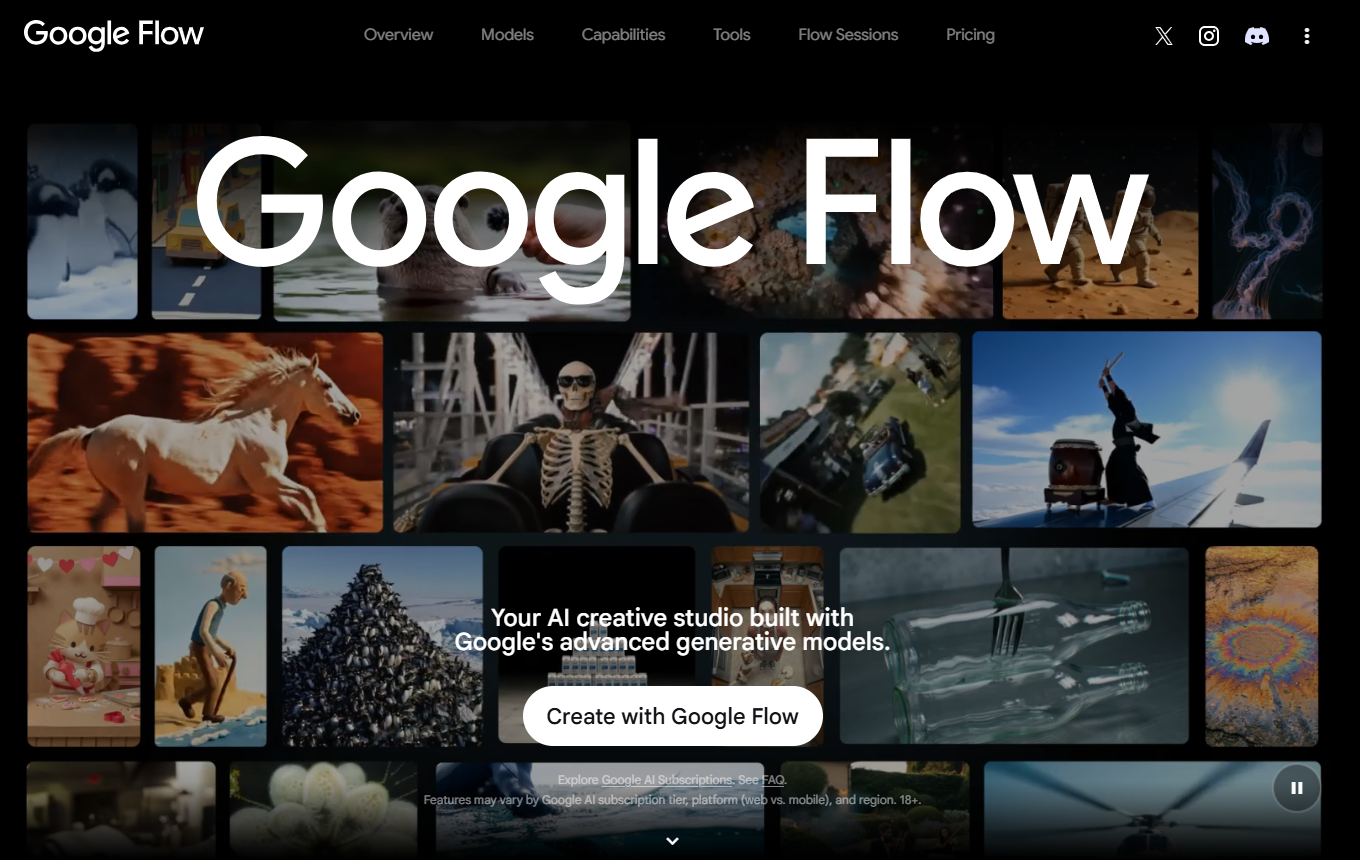
Google Veo 3.1 in Flow: an AI video studio for short, cinematic clips from text and images.
Editorial review: Aug 28, 2026
Facts checked: Oct 18, 2026
Translated: Oct 18, 2026
Practical value, usability and value for money, equally weighted.
Marketing teams that want to use Google Flow to quickly develop high-quality video concepts and campaign variations from text and images.
Flow brings Google’s video, image and speech models into a creative interface. For small and medium-sized businesses, this offers a quick way to create testable video variations without immediately starting a major production.
When you need a longer film with consistent characters, legally cleared material or accurate brand and product details without further editing.
Veo adds ambient sound, effects or dialogue to the described scene, giving a short workshop clip, for example, matching imagery and atmosphere.
Google DeepMind: VeoIngredients uses recurring character and object references across multiple clips, helping a product and its surroundings remain recognisable as related elements in consecutive shots.
Google Flow: Ingredients and videoStart with either a scene description or supplied images, then describe the desired movement to generate different visual concepts for the same advertising idea.
Google Flow: Create videosShort video clips with imagery, movement and, depending on model access, sound, ready for further editing as campaign drafts or creative tests.
Facts checked: Oct 18, 2026
Client: no · Server: no
Unofficial servers only; Google’s example server for Veo has no official support. Source
Facts checked: Sep 30, 2026
Flow is an additional Workspace service and is not covered by the Workspace agreement or its DPA; Google Labs privacy notices apply. A DPA is available only for Veo through Google Cloud Vertex AI. DPA: yes · EU hosting: unclear · Headquarters: USA · Source
Facts checked: Sep 30, 2026
Free plan: unknown
Unclear, from 4,99 EUR/month (Google AI Plus). Google AI Plus includes 200 Flow credits; Google AI Pro costs 21,99 EUR/month with 1.000 credits, and Ultra starts at 99,99 EUR/month. Users on certain Workspace Business plans receive Flow at no extra charge with 50 credits per day; Google does not list free access for personal accounts. Source
Unclear
Facts checked: Sep 30, 2026
Turn an approved key visual into a short 6- to 8-second clip with a single movement and a clear hook for a landing page or social ad.
Create a vertical 8-second clip: keep the product unchanged, move the camera slowly from left to right, use natural lighting, include no text in the image and leave two seconds of calm space at the end for a CTA.
Choose a starting image and a desired final image for a product clip. In your prompt, describe only the movement or transition between them, such as a slow approach towards a detail. Check the resulting movement before adding more scenes. Available features depend on the selected model.
Google Flow: Create videosUpload approved product images to your project as Ingredients and reference them in the prompt using the at sign. Describe a different action for each clip while keeping the product and visual style consistent. Then compare the results side by side for shape, colour and lettering before combining them into a campaign.
Google Flow: Create videosSources: Oct 18, 2026
OpenAI Sora 2 and Google Veo 3.1 generate videos with soundtracks. Visually, they also clearly outperform competitors from Adobe, Kling AI and Luma AI.
Andre Kramerheise online / c't: Six AI video generators compared, with and without audio · Dec 9, 2025
Marketing teams that want to use Google Flow to quickly develop high-quality video concepts and campaign variations from text and images.
When you need a longer film with consistent characters, legally cleared material or accurate brand and product details without further editing.
Cinematic clips with sound; connect scenes and assets consistently; video variations from text and images
Turn an approved key visual into a short 6- to 8-second clip with a single movement and a clear hook for a landing page or social ad.
Free access: not confirmed · from 4,99 EUR/month (Google AI Plus). Pricing details and the documented status are available in the pricing section of this page.