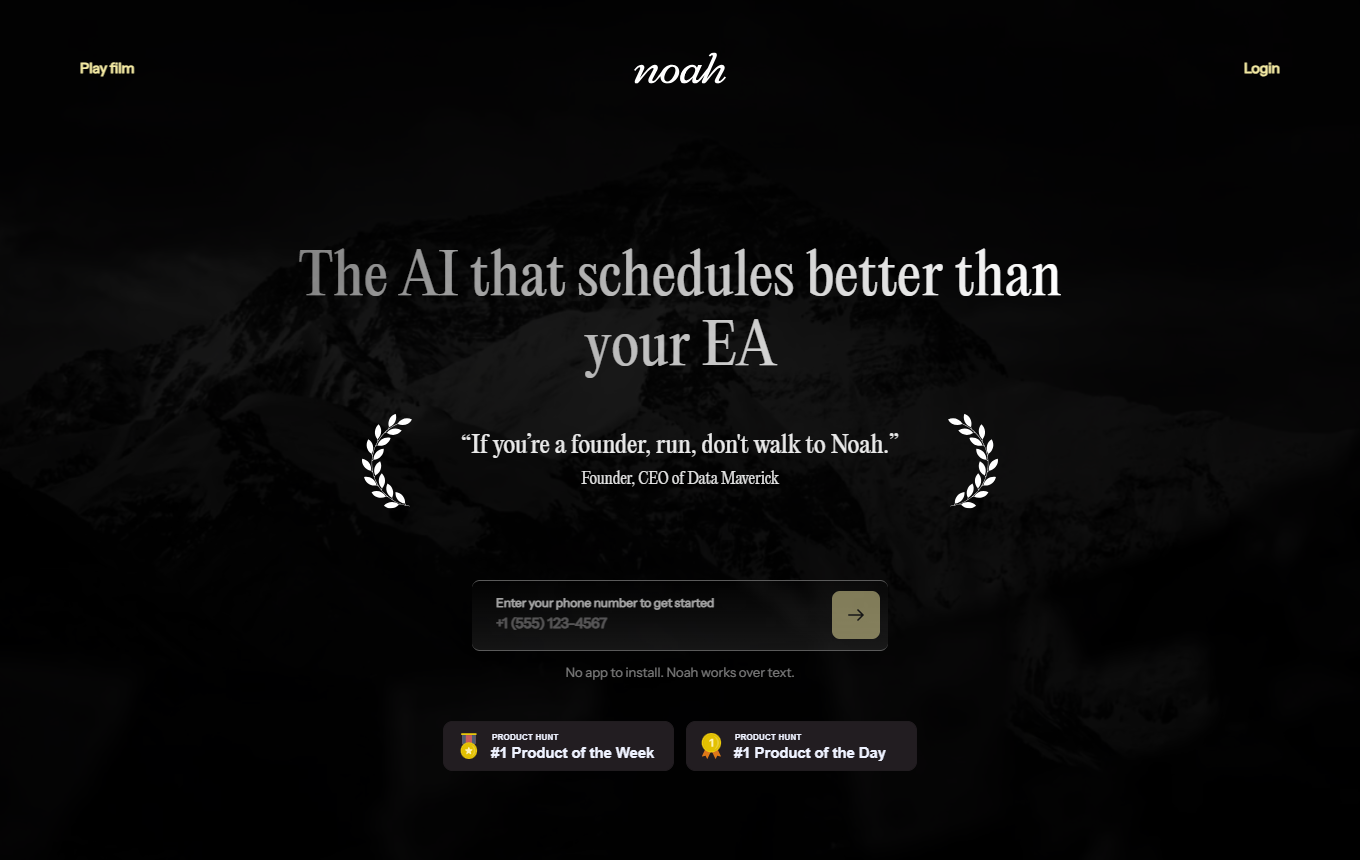
Proactive executive assistant for appointments, follow-ups, and relationship management through calendar, SMS, and email, with clear controls and approval options.
Editorial review: unknown Facts checked: Oct 18, 2026 Translated: Oct 18, 2026
Best suited for
Founders and leaders with many appointments and open conversation threads who want to test a cautiously configured digital executive assistant.
Limitations
Before use, check whether features, data processing and costs meet your requirements. Editorial assessment of this newly added tool is not yet complete.
Strengths
Proactive scheduling and follow-up assistance
Noah names scheduling and follow-ups as tasks for its Executive Admin, suggesting that recurring organizational steps around business contacts can be delegated to the assistant.
The product page lists Google Calendar, Gmail, and conversation tools as integrations through which Noah is intended to incorporate appointment and communication information into its work context.
According to the provider, Noah is accessible through voice and SMS so you can submit organizational requests without entering them into a separate task interface.
First enable only scheduling and daily briefings; allow external emails only after a controlled test phase.
Two ideas for your working day
Start scheduling with a complete brief
For a client conversation, you can tell Noah the participants, duration, time window and meeting goal by voice or SMS. The provider describes scheduling and follow-ups. In your specific setup, check which calendars and communication channels are connected and which confirmation you receive before an external message, before using the workflow with clients.
Use the described coaching feature with a specific situation: a regular customer demands additional work without extra payment. Ask for two conversation openings and questions to clarify the actual need. Assess the suggestions against your contract and customer knowledge; the provider mentions support with difficult conversations but does not promise a particular output format on the public page.
Founders and leaders with many appointments and open conversation threads who want to test a cautiously configured digital executive assistant.
When is Hey Noah less suitable?
Before use, check whether features, data processing and costs meet your requirements. Editorial assessment of this newly added tool is not yet complete.
What features does Hey Noah offer?
Proactive scheduling and follow-up help; calendar and communication context; operation by voice and SMS
How do I get started effectively with Hey Noah?
First enable only scheduling and daily briefings; allow external emails only after a controlled test phase.
How much does Hey Noah cost?
Free access: no verified information · from 49 USD/month. Pricing details and the documented information date are available in the pricing section of this page.