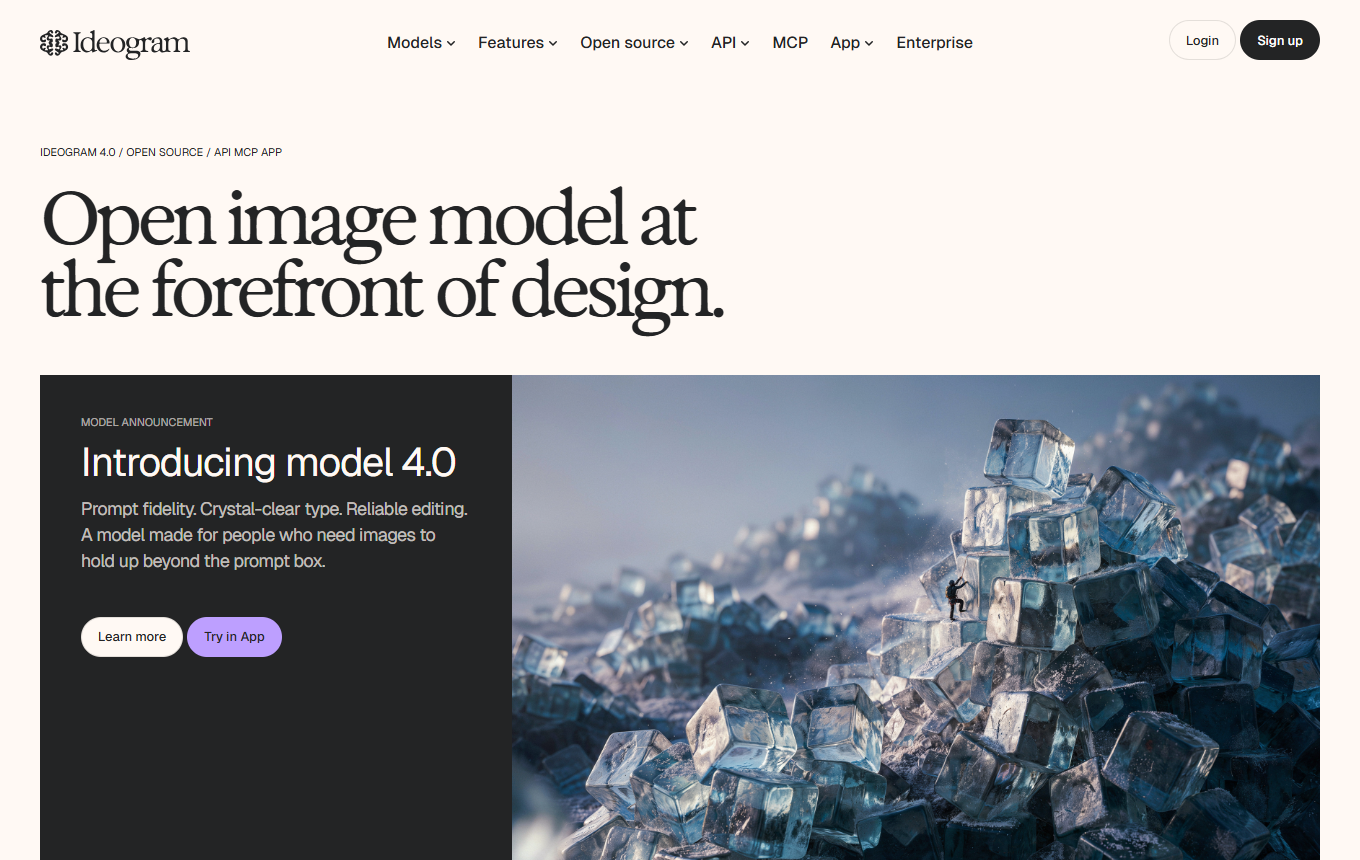
Ideogram adds precise image editing to its strengths in image text and layouts. Ideogram 4.5 is intended to better preserve details through several editing steps and modify selected areas without reducing the overall image size.
Marketing teams that need images with readable text, localized graphics or targeted product and color variations.
Ideogram combines text rendering and layout control with targeted edits. In 4.5, the focus is on reducing detail loss across multiple changes; 4.0 adds structured layout specifications and openly available model weights.
Limitations
When full prepress preparation, editable vector files or reliable fine typography work in a layout program is required.
Strengths
Image text and structured layout instructions with Ideogram 4.0
Describe the subject, composition and desired lettering together in the prompt, for example to create a poster draft with an integrated headline and a clear visual hierarchy.
With Ideogram 4.5, you can refine a selected image through several targeted editing steps, for example by changing its color, lighting or a product detail.
High-resolution crop corrections and product variants
A precisely edited crop can be placed back into the high-resolution original, allowing you to correct a product color, for example, without downscaling the entire image again.
No public DPA or transfer basis found; according to the privacy policy, data from the web app is used for model training, but API data is not. DPA: yes · EU hosting: unclear · Headquarters: unclear · Source
Create a promotional banner with an exact headline. Then change only the language, background color and product color in separate steps, checking that other details remain unchanged.
Create a banner with the exact headline “Fresh Start.” Use the product photo as a reference. Then change only the headline into English while preserving the product, composition and colors.
Two ideas for your working day
Update a promotional graphic precisely
Upload the existing promotional graphic and select Layerize text. Change the date or headline on the recognized text layer, then check the font, position and reconstructed background area. This lets you prepare a small text correction; an exactly identical font and unchanged image area are not guaranteed.
First have your new language version reviewed by a subject expert, then insert it into the recognized text layers. Layerize Text does not translate it itself. Check special characters, line breaks and the space needed by longer words. Changing numbers in labels also does not update bars or chart data in the image.
Among the best AI tools, Ideogram combines high-quality image generation with excellent control over typography. This makes it unique among comparable tools.
Marketing teams that need images with readable text, localized graphics or targeted product and color variations.
When is Ideogram less suitable?
When full prepress preparation, editable vector files or reliable fine typography work in a layout program is required.
What features does Ideogram offer?
Image text and structured layout specifications with Ideogram 4.0; Ideogram 4.5 for targeted edits across multiple steps; high-resolution local corrections and product variants
What is a sensible way to get started with Ideogram?
Create a promotional banner with an exact headline. Then change only the language, background color and product color in separate steps, checking that other details remain unchanged.
How much does Ideogram cost?
Free plan · from 15 USD/month (billed annually). See the pricing section on this page for pricing details and the documented information date.