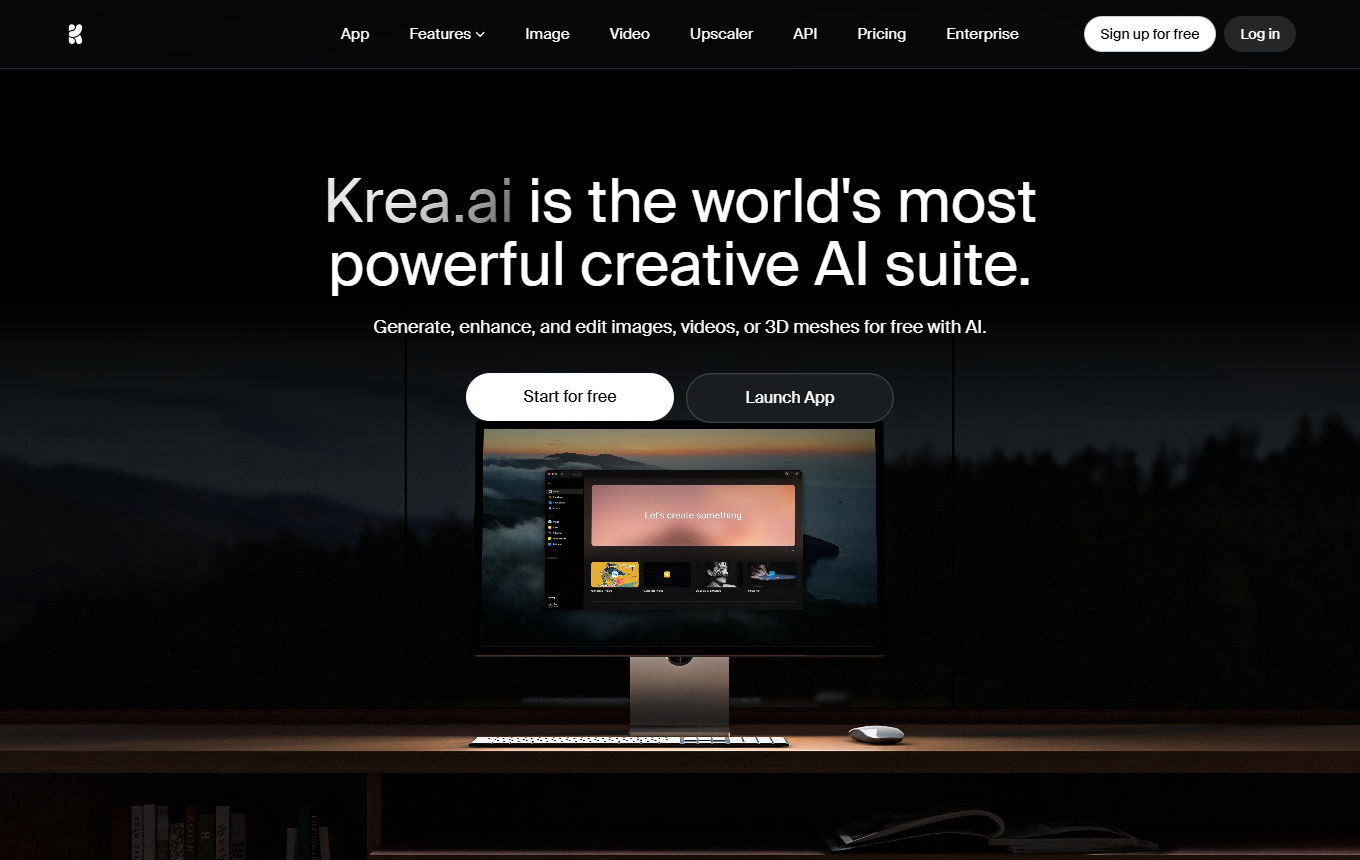
Krea combines its own image models, reusable styles, and an agent for creative assignments. Krea 2 Turbo speeds up drafts; moodboards and custom LoRAs support recurring visual styles.
Marketing teams and creatives that want to develop consistent campaign variants from reference images and use images, video, and audio in a shared workflow.
Style references and moodboards can be combined with your own LoRAs. The Krea Agent plans tasks with multiple steps, selects models and uses a shared context library. This increases its usefulness for recurring creative work.
Limitations
If you only need a few simple graphics, or choosing models, references and compute billing creates more effort than value.
Strengths
Krea 2 and Turbo with style references and moodboards
Individual style references transfer a specific look, while moodboards combine multiple examples, allowing you to explore different visual directions for a campaign deliberately.
Krea Agent with a context library for images, video and audio
The agent uses your briefing and shared brand files, selects image, video or audio tools, and stores generated results in the context library for further work.
DPA only on request through the Trust Center; hosted on AWS in the USA, transfers partly covered by the Data Privacy Framework. DPA: yes · EU hosting: no · Headquarters: USA · Source
Use five approved brand images as references. Generate three campaign directions with Krea 2 and have the agent adapt the best direction into three formats.
Use these brand images and product photos as references. Develop three image directions for our campaign and adapt the selected direction into three social formats. Preserve product shape, colors and visual style.
Two ideas for your working day
Test the image composition with shapes first
Use Realtime Canvas to establish the product position, background and clear text area with simple shapes first. Move the elements until the composition fits the planned ad format. Use the best arrangement as a draft direction and develop details afterward. This lets you resolve layout questions with the client early.
Generate a lighting variant rather than a new visual
Open a selected product visual in Edit and request only a change in lighting, such as soft daylight. Compare shadows, material appearance and labeling with the original. Save the best version as a reference before creating similar variations for other products in the same campaign.
KasperKavalaris sees potential in Krea's real-time drawing but does not yet consider the feature mature enough for professional work and misses a creativity-level control in the app.
Yes, Krea AI is worth trying, especially for its text-to-video and text-to-image features, which delivered impressive results in my tests. […] Generating 3D images from text, however, did not meet expectations.
Marketing teams and creatives that want to develop consistent campaign variants from reference images and use images, video, and audio in a shared workflow.
When is Krea less suitable?
If you only need a few simple graphics, or choosing models, references and compute billing creates more effort than value.
What features does Krea offer?
Krea 2 and Turbo with style references and moodboards; custom LoRAs for reusable image styles; Krea Agent with a context library for images, video and audio
How do I get started effectively with Krea?
Use five approved brand images as references. Generate three campaign directions with Krea 2 and have the agent adapt the best direction into three formats.
How much does Krea cost?
Free plan · from 9 USD/month. Pricing details and the documented information date are available in the pricing section of this page.