Work mode for multistep tasks
Vibe can combine research, spreadsheet analysis and document creation in one task, for example preparing a report from campaign data with sources and open questions.
Mistral: Vibe cleverkitools.comcurated by Clever Mangos
 Editorial selection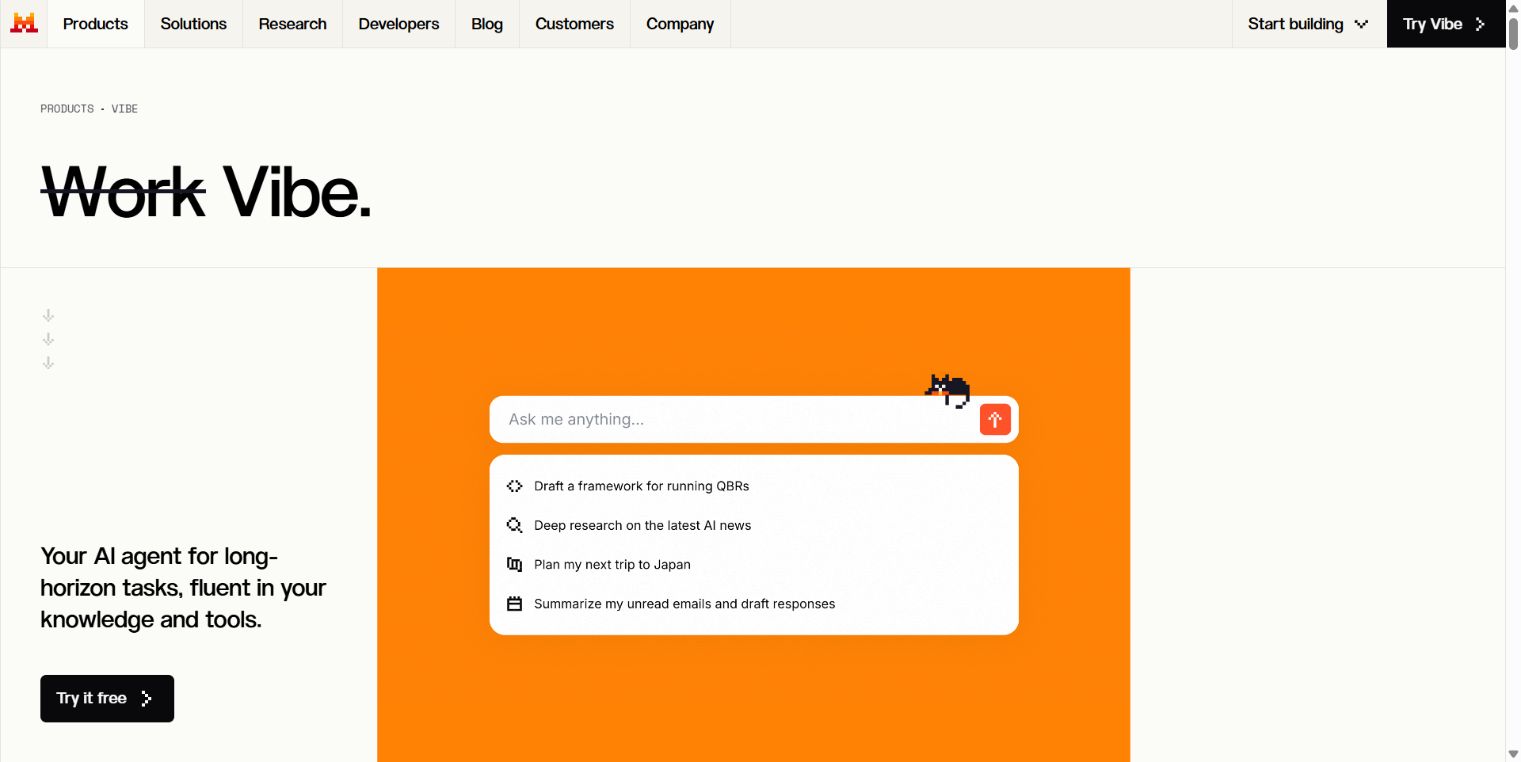
Mistral Vibe (formerly Le Chat) combines Vibe Work for multi-step tasks with Vibe Chat for regular conversations and Vibe Code for agentic coding. The available Work and agent features depend on your plan and configured integrations.
Editorial review: Jul 6, 2026
Facts checked: Oct 18, 2026
Translated: Oct 18, 2026
Practical value, usability and value for money, equally weighted.
Teams that want to turn research and information from their approved apps into briefings, reports and documents. Developers can delegate coding tasks to Vibe Code through the web, CLI or VS Code.
Vibe Work can bring together information from connected sources for research, meeting briefings and documents. Vibe Code adds a coding agent across the web, CLI and VS Code. The renaming of Le Chat to Vibe brings these working modes together under one product.
Vibe Chat is enough for individual, simple questions. For multistep work and coding tasks, first check which plan, apps and access permissions are required.
Vibe can combine research, spreadsheet analysis and document creation in one task, for example preparing a report from campaign data with sources and open questions.
Mistral: VibeDirect dialogue lets you clarify individual questions and refine drafts step by step, such as the value proposition for a specific customer group.
Mistral: VibeAsynchronous coding agents can prepare code changes and tests and open pull requests, which a developer should review before merging.
Mistral: Vibe CodeA researched briefing, a document or a meeting report drawn from connected sources; with Vibe Code, also code changes, tests and a draft branch or PR.
Facts checked: Oct 18, 2026
We found a data processing agreement from the vendor. Check the contract for your use case to see which plan it covers and which international data transfers are provided for.
DPA: We found a DPA from the vendor. Check the contract to confirm that it covers your plan and use case.
Data storage: The sources reviewed did not provide clear confirmation of exclusively European data storage and processing.
Facts checked: Oct 5, 2026
Free plan: yes
Permanent free plan with usage limits according to the vendor.
Facts checked: Oct 5, 2026
Start Vibe Work with a meeting brief: connect only the calendar, email and knowledge sources you need, and ask for an agenda, open points and follow-up drafts with traceable references.
Create a one-page briefing from the selected appointment, related emails and approved company sources. Separate verified information, open questions and assumptions. Draft a follow-up, but do not send anything.
Upload a cleaned spreadsheet export and ask: 'Which three campaigns combine high costs with few qualified leads?' Request the columns and calculation steps used. This gives you a verifiable starting point for the budget discussion, provided lead quality is included in the export.
Mistral: Vibe for work and codeCommission focused research into a customer's market and request a one-page briefing with sources, three changes and three discussion questions. Separate evidenced developments from assumptions. You can then review the document specifically before your next customer meeting.
Mistral: Vibe for work and codeSources: Oct 18, 2026
Tom’s Guide praises Le Chat for very fast responses and solid chatbot performance, while noting its smaller feature set compared with the major all-purpose assistants.
Tom’s Guide editorial teamTom’s Guide · Sep 1, 2025
Anyone looking for a truly European alternative to ChatGPT, Claude or Gemini is essentially left with Le Chat.
Kim Rixeckert3n · Mar 14, 2026
Teams that want to turn research and information from their approved apps into briefings, reports and documents. Developers can delegate coding tasks to Vibe Code through the web, CLI or VS Code.
Vibe Chat is enough for individual, simple questions. For multistep work and coding tasks, first check which plan, apps and access permissions are required.
Work mode for multi-step tasks; Chat mode for dialogue; Vibe Code with remote agents
Start Vibe Work with a meeting brief: connect only the calendar, email and knowledge sources you need, and ask for an agenda, open points and follow-up drafts with traceable references.
Free plan · from 14,99 USD/month. See the pricing section on this page for pricing details and the documented information date.