Meeting transcripts
Otter turns conversations into searchable transcripts, allowing you to find the exact passage about budget or scope after a sales meeting.
Otter: Meeting Agent cleverkitools.comcurated by Clever Mangos
 Editorial selection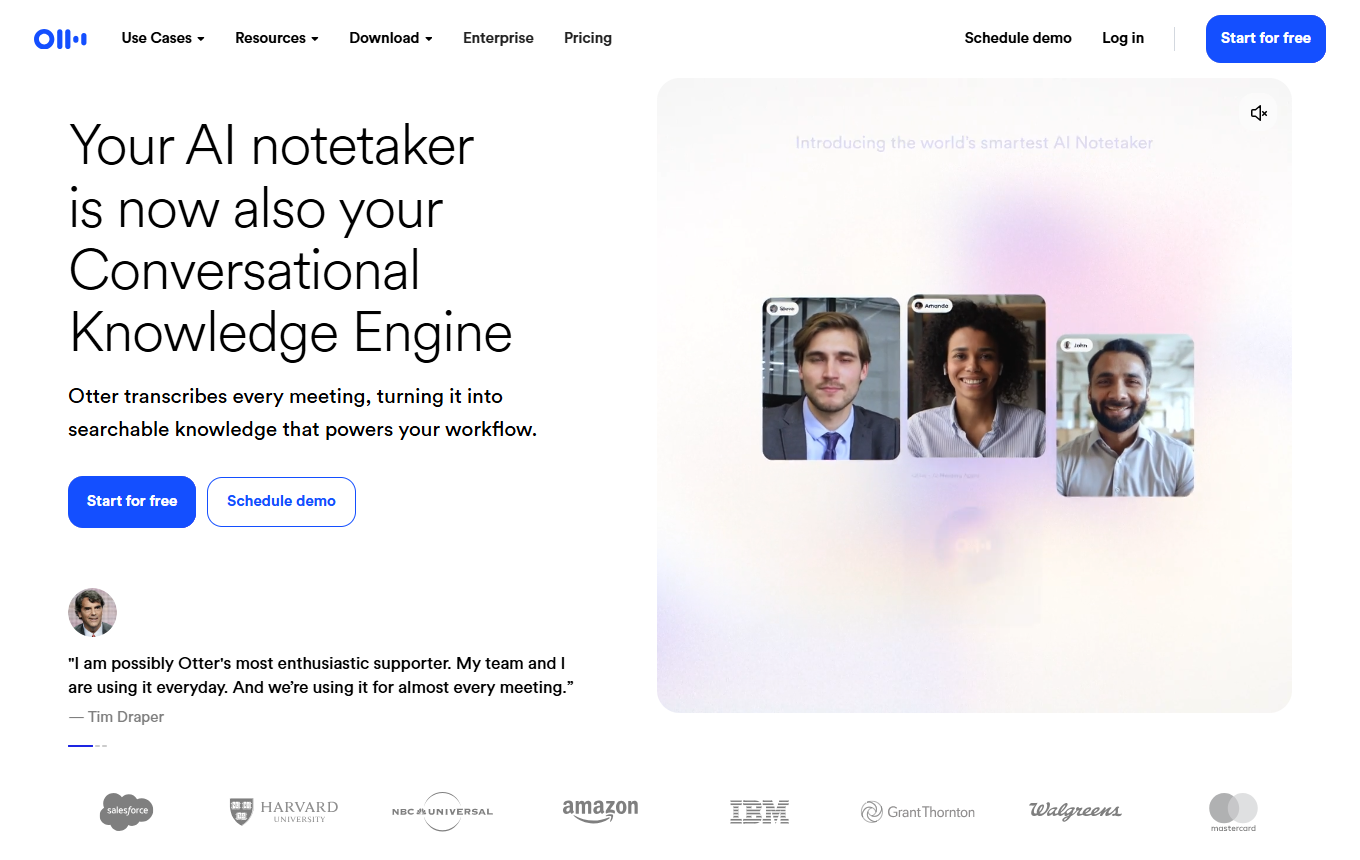
Otter.ai: Meeting knowledge is automatically condensed into notes, speaker contributions and follow-ups. In practice, its value centers on meeting transcripts, speaker recognition and action items from conversations.
Editorial review: Jul 2, 2026
Facts checked: Oct 18, 2026
Translated: Oct 18, 2026
Practical value, usability and value for money, equally weighted.
Otter.ai is particularly suited to a workflow centered on meeting transcripts: collect source material, condense it with speaker identification and turn the result into a usable asset through action items from conversations.
The reason to choose Otter.ai is its specific combination of meeting transcripts, speaker recognition, and action items from conversations; this combination sets it apart from general-purpose or specialist solutions in the 'Assistants & Research' category.
For sensitive conversations without consent, very poor audio quality, or a company already using Teams Copilot with a well-defined meeting process.
Otter turns conversations into searchable transcripts, allowing you to find the exact passage about budget or scope after a sales meeting.
Otter: Meeting AgentSpeaker recognition assigns parts of a conversation to different people, helping you check who expressed a requirement or made a commitment.
Otter: Speaker recognitionNext steps from the conversation are captured and assigned, providing a basis for a follow-up email and task allocation after you review them.
Otter: Action itemsTypical outputs with Otter.ai: meeting transcripts, speaker identification and action items from conversations; for small businesses, also a short briefing, a checklist and a next action for the responsible team.
Facts checked: Oct 18, 2026
The DPA (Data Processing Attachment) forms part of the terms for all plans; Otter is DPF-certified and also specifies SCCs. Data is stored in the USA. DPA: yes · EU hosting: no · Headquarters: USA · Source
Facts checked: Sep 30, 2026
Free plan: yes
Permanent free plan with usage limits according to the vendor.
Facts checked: Oct 5, 2026
Automate the sales call follow-up: record the meeting, check the transcript, extract decisions and action items, and create a follow-up email and CRM note.
Analyze these documents with a focus on meeting transcripts; first provide a 7-point summary, then open questions and a list of sources/assumptions.
If you use Otter Enterprise, set up a conversation template covering budget, decision-maker, need and timeline. After each discovery call, check the extracted information against the transcript. A missing budget figure stays open rather than entering the CRM as an apparently qualified lead.
Otter: Insights for EnterpriseIf a Salesforce or HubSpot connection is available, start with one reviewed conversation as a test case. Compare the synchronized insights with your required fields and adjust the template framework. Broader use is worthwhile once needs and next steps arrive accurately.
Otter: Insights for EnterpriseSources: Oct 18, 2026
Glacier Media uses Otter so interviewers can follow the conversation instead of taking down every detail; transcripts are then searched for quotes and production work.
Katie MercerAudience Strategies used Otter and an MCP connection to turn 76 conversations into a searchable foundation for an evidence-based study.
David BoyleOtter.ai is particularly suited to a workflow centered on meeting transcripts: collect source material, condense it with speaker identification and turn the result into a usable asset through action items from conversations.
For sensitive conversations without consent, very poor audio quality, or a company already using Teams Copilot with a well-defined meeting process.
Meeting transcripts; speaker recognition; action items from conversations
Automate the sales call follow-up: record the meeting, check the transcript, extract decisions and action items, and create a follow-up email and CRM note.
Free plan · from 16,99 USD/month per user. Pricing details and their documented date are in the pricing section of this page.