Text-to-video and image-to-video
With text-to-video, you describe the scene and movement together; an existing source image defines the subjects, while your prompt mainly controls their movement.
Runway: Generative Video cleverkitools.comcurated by Clever Mangos
 Editorial selection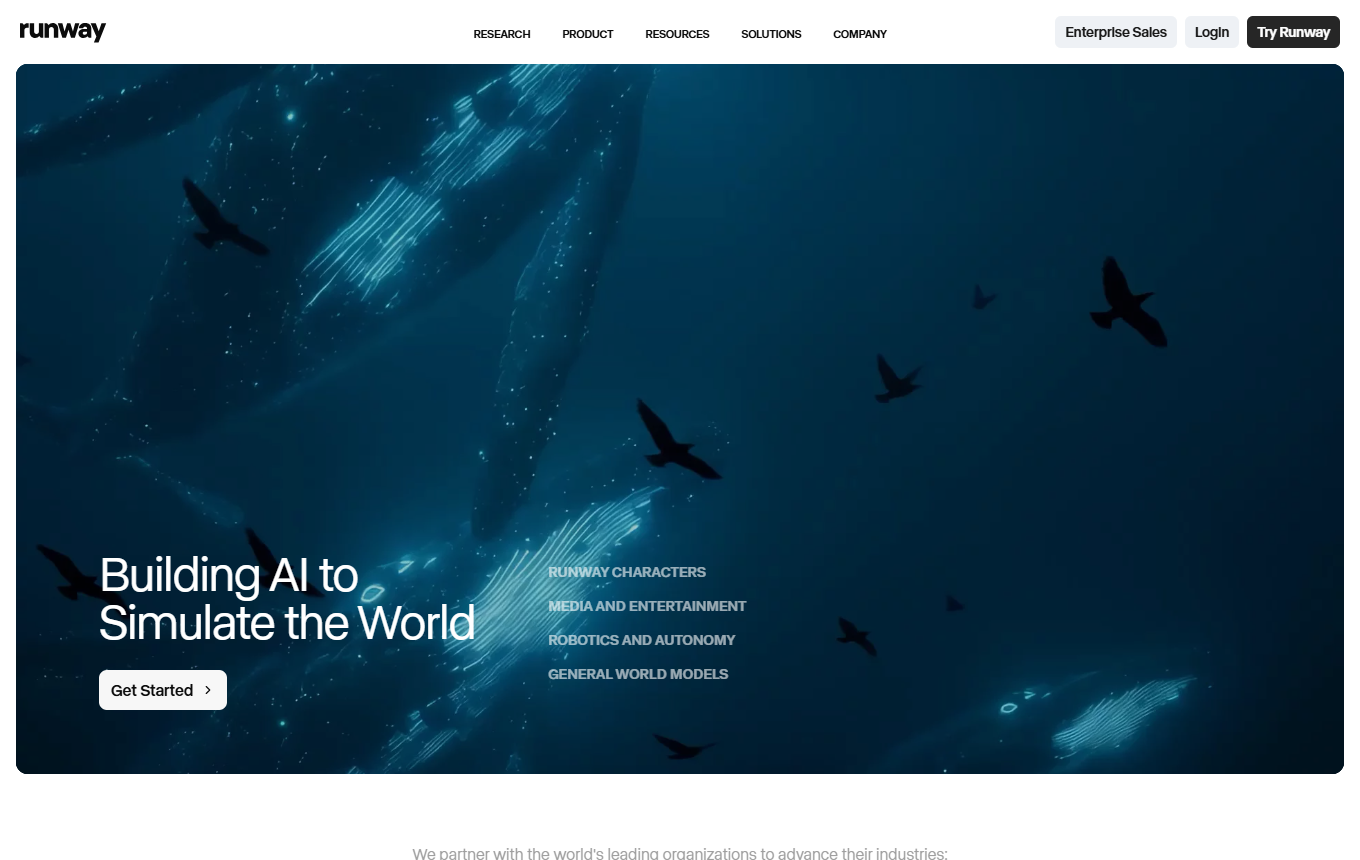
Runway: creative studio for text-to-video, motion and AI video editing. In practice, its value centers on text-to-video, video editing and motion tools.
Editorial review: Aug 28, 2026
Facts checked: Oct 18, 2026
Translated: Oct 18, 2026
Practical value, usability and value for money, equally weighted.
Runway is particularly suitable for a text-to-video workflow: gather source material, refine it with video editing and turn the result into a useful asset through motion tools.
The reason to choose Runway is its specific combination of text-to-video, video editing, and motion tools; this combination sets it apart from general-purpose or specialist solutions in the 'Video & Audio' category.
If you need long, consistent scenes, genuine actor direction, or legally sound product representations, additional video production is required.
With text-to-video, you describe the scene and movement together; an existing source image defines the subjects, while your prompt mainly controls their movement.
Runway: Generative VideoThe timeline lets you trim, split and rearrange clips, allowing you to assemble several generated shots into a coherent short product story.
Runway: Studio timelineSeparate a clip's audio track for independent editing, then export the finished timeline, for example as a completed version of a social video.
Runway: Audio and exportTypical outputs with Runway: text-to-video, video editing, motion tools; for small businesses, also a short brief, a checklist and a next action for the responsible team.
Facts checked: Oct 18, 2026
DPA and security documents only under an Enterprise contract, data in the USA. DPA: yes · EU hosting: no · Headquarters: USA · Source
Facts checked: Sep 30, 2026
Free plan: yes
Permanent free plan with usage limits according to the vendor.
Facts checked: Oct 5, 2026
Turn a campaign image into a short motion clip: plan camera movement, scene concept and text overlay, then test several video variations.
Develop a 30-second clip from this script with a hook, scene sequence and production notes for text-to-video.
Upload an approved product or character reference, open its details and save it with a unique name. Unsaved references apply only to the current session. This lets you use the same starting point in the next campaign round instead of finding a similar-looking file again.
Runway: Manage reference mediaSave a checked reference and share it with the workspace if needed. Agree which product, angle and design it defines. Use the same saved template for a new series and review the outputs together. The reference media supported depend on the model used.
Runway: Manage reference mediaSources: Oct 18, 2026
TechRadar highlights Runway’s cinematic camera movements and generative effects, but warns of visible errors during fast motion.
TechRadar editorial teamTechRadar · Apr 28, 2026
Shutterstock uses Runway as part of a professional generative content offering. The case shows its relevance to scalable creative production, not automatic suitability for every SME workflow.
Shutterstock GenAI and product teamIn the past, a small family business or nonprofit could not come anywhere near a Fortune-500 company in content quality. Today it can.
Johnny RohrbachRunway Customer Story: How Silverside AI Builds Coca-Cola's Best Ads for 65% Less · May 20, 2026
Runway is particularly suitable for a text-to-video workflow: gather source material, refine it with video editing and turn the result into a useful asset through motion tools.
If you need long, consistent scenes, genuine actor direction, or legally sound product representations, additional video production is required.
Text- and image-to-video; editing and production; audio and export workflows
Turn a campaign image into a short motion clip: plan camera movement, scene concept and text overlay, then test several video variations.
Free plan · from 15 USD/month. See the pricing section on this page for details and the documented status.