Automatic zooms
Screen Studio detects interactions such as clicks and animates suitable zooms, making small controls more visible at the crucial step in a product demonstration.
Screen Studio: recording features cleverkitools.comcurated by Clever Mangos
 Not yet rated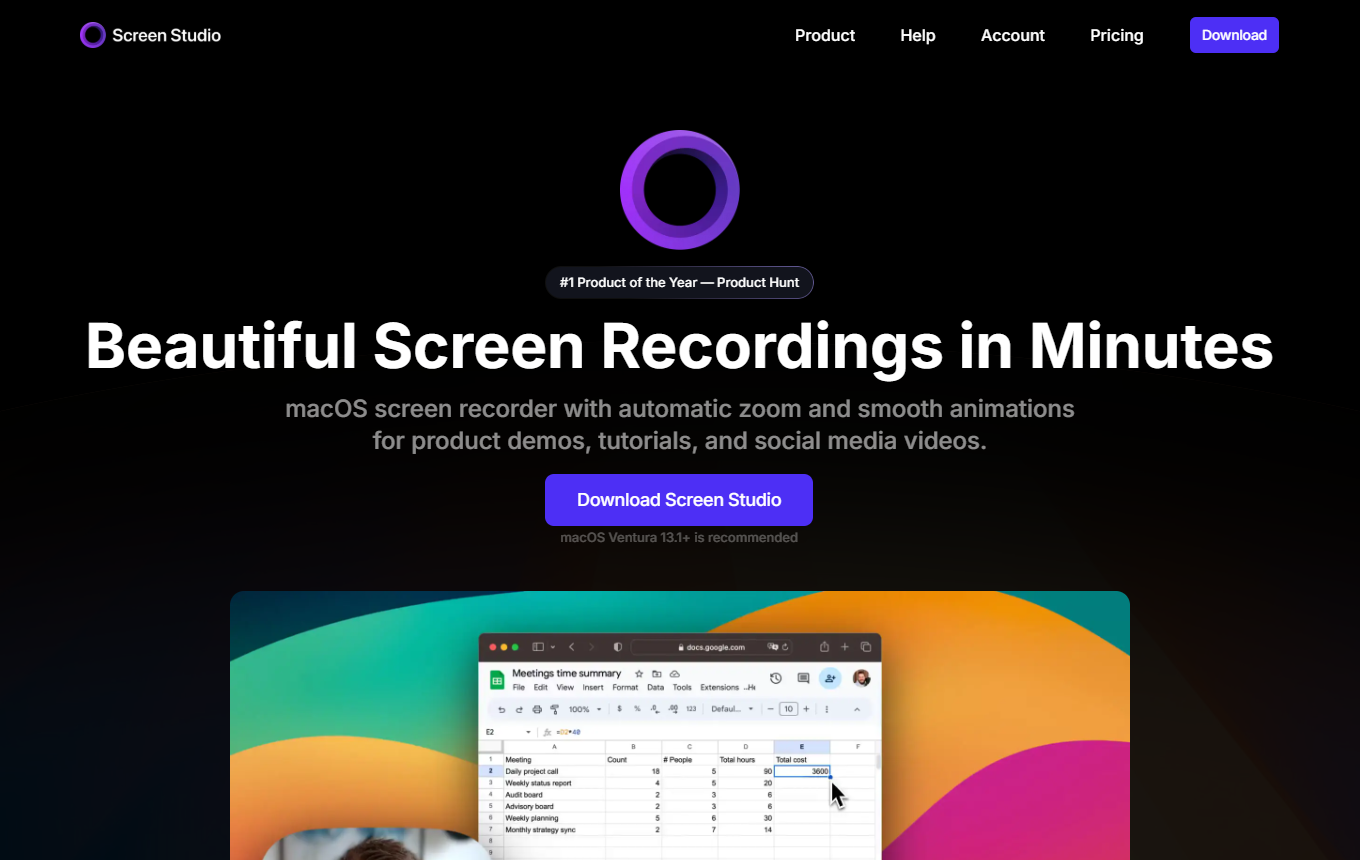
Tool for high-quality screen recordings with automatic zooms, smooth movement, and quick editing for demos and tutorials.
Editorial review: unknown
Facts checked: Oct 18, 2026
Translated: Oct 18, 2026
SaaS, service and consulting teams that want to explain features, workflows or onboarding clearly through short screen recordings.
Before use, check whether features, data processing and costs meet your requirements. Editorial assessment of this newly added tool is not yet complete.
Screen Studio detects interactions such as clicks and animates suitable zooms, making small controls more visible at the crucial step in a product demonstration.
Screen Studio: recording featuresScreen and camera can be combined in one recording, while cursor size, movements and camera position can be adjusted afterward for a clear explanation.
Screen Studio: recording featuresThe edited demo can be exported as a video or provided through a share link, allowing you to show customers a concrete workflow without an additional presentation.
Screen Studio: recording featuresFacts checked: Oct 18, 2026
Client: no · Server: no
No official MCP server, currently only a feature request. No source
Facts checked: Sep 30, 2026
We found a data processing agreement from the vendor. Check the contract for your use case to see which plan it covers and which international data transfers are provided for.
DPA: We found a DPA from the vendor. Check the contract to confirm that it covers your plan and use case.
Data storage: The sources reviewed did not provide clear confirmation of exclusively European data storage and processing.
Facts checked: Oct 5, 2026
Free plan: no
No ongoing free plan for the feature described here.
Facts checked: Oct 5, 2026
Plan one recording per user question: show the result first, then record only the three necessary steps.
Record one clear product workflow and create both a wide website demo and a short vertical version. Screen Studio adapts zooms, layout and subtitles when changing aspect ratio. In Reel mode, check whether Instagram or TikTok controls cover important buttons or text in your recording.
Screen Studio: featuresIf your offer demo is too long, shorten it through the transcript: delete repeated explanations, remove filler words and long pauses. Then export the SRT subtitle file matching the edited video. Replay critical transitions to ensure cutting has not made an important on-screen action unclear.
Screen Studio: featuresSources: Oct 18, 2026
Sure, there are cheaper programs, but ask yourself: What is your time worth? I easily save two to three hours a week because I no longer struggle with technical problems and tedious editing.
Denis RasulevDen's Hub: Screen Studio for Mac Review · Feb 14, 2025
SaaS, service and consulting teams that want to explain features, workflows or onboarding clearly through short screen recordings.
Before use, check whether features, data processing and costs meet your requirements. Editorial assessment of this newly added tool is not yet complete.
Automatic zooms; clean screen recordings; fast export for demos
Plan one recording per user question: show the result first, then record only the three necessary steps.
Paid · from 29 USD/month. You can find pricing details and the documented date in the pricing section of this page.