Analyze shop data in context
Sidekick can address questions about prices, inventory and store performance using your Shopify data, with access following the user's existing admin permissions.
Shopify: Sidekick cleverkitools.comcurated by Clever Mangos
 Editorial selection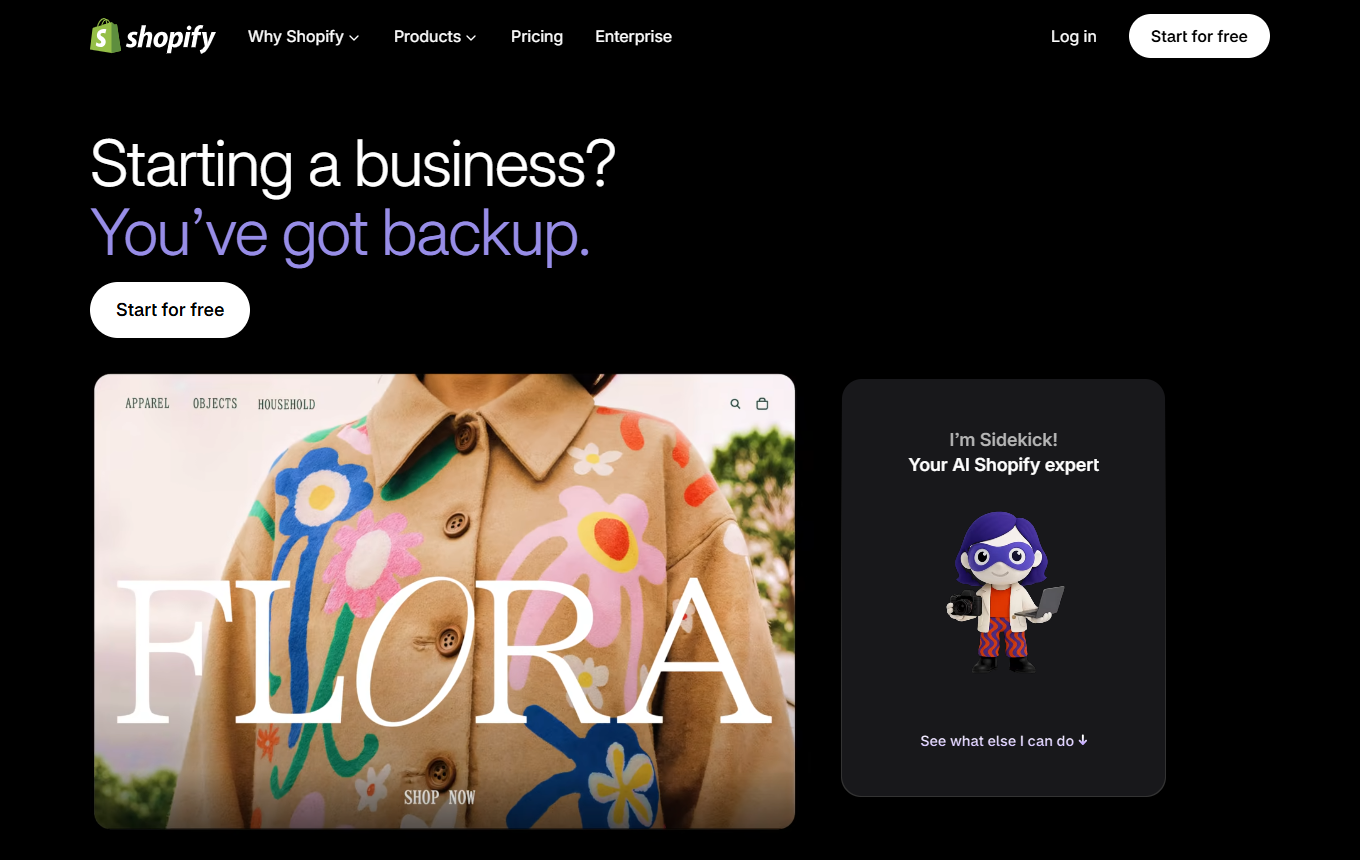
Shopify Sidekick: AI commerce assistant in the Shopify admin for store analysis, content and prepared tasks.
Editorial review: Sep 4, 2026
Facts checked: Oct 18, 2026
Translated: Oct 18, 2026
Practical value, usability and value for money, equally weighted.
Shopify merchants and e-commerce teams that want to use product, order and store context for content, analyses and clearly bounded operational tasks.
Sidekick works where the operational shop context already lives. This reduces research and transfer work, provided changes are deliberately reviewed and approved.
When product data, offer rules or responsibilities in the store are unclear, or when binding pricing, legal or customer decisions are expected to be made automatically.
Sidekick can address questions about prices, inventory and store performance using your Shopify data, with access following the user's existing admin permissions.
Shopify: SidekickProduct descriptions and social media content can be drafted in the Shopify context, using product data as a starting point before the texts are editorially refined.
Shopify: SidekickSidekick prepares proposed changes in a task list and asks for confirmation before applying them, rather than making shop adjustments without your consent.
Shopify: SidekickContextual store analyses, content drafts, prepared tasks and suggestions for merchandising or marketing actions in the Shopify admin.
Facts checked: Oct 18, 2026
Client: no · Server: yes
Shopify provides official MCP servers; Sidekick itself has no MCP integration. Source
Facts checked: Sep 30, 2026
We found a data processing agreement from the vendor. Check the contract for your use case to see which plan it covers and which international data transfers are provided for.
DPA: We found a DPA from the vendor. Check the contract to confirm that it covers your plan and use case.
Data storage: The sources reviewed did not provide clear confirmation of exclusively European data storage and processing.
Facts checked: Oct 5, 2026
Free plan: no
Trial, from 27 EUR/month (billed annually). Sidekick is included in all Shopify plans; Basic costs 36 EUR monthly, starting with 3 days free followed by 3 months at 1 EUR each. Source
Trial
Facts checked: Sep 30, 2026
Start with a clearly defined store question, such as the performance of a product category or a draft seasonal promotion, and apply changes only after review.
Analyze the last 30 days for our category [Category]. Name three possible causes of the trend, clearly mark assumptions and suggest a small, reversible campaign with suitable product content. Do not publish changes yourself.
Use “/shipping-audit” before starting a new country promotion or shipping campaign. Describe the target region, advertised delivery terms and affected products. Have Sidekick check the shipping configuration and compare any discrepancies with your offer copy so the landing page, checkout and actual shipping rules match.
Shopify: SidekickStart “/weekly-summary” with a specific follow-up question, such as which product category stands out compared with the previous week. Use the results as the basis for Monday planning and check the period and metrics. Sidekick works with your Shopify data and respects each employee's existing permissions.
Shopify: SidekickSources: Oct 18, 2026
LouisFiedler has so far found Sidekick most useful for finding specific code locations; for low-code tasks and Shopify Flow, he reports invented variables, incorrect IDs and faulty infinite loops.
LouisFiedlerShopify Community · Aug 14, 2026
Research used to take hours and hours; now I simply enter it into Sidekick and have the answers in a minute.
Mordechai HoffmannShopify News · Dec 10, 2025
Shopify merchants and e-commerce teams that want to use product, order and store context for content, analyses and clearly bounded operational tasks.
When product data, offer rules or responsibilities in the store are unclear, or when binding pricing, legal or customer decisions are expected to be made automatically.
Analyze shop data in context; create content directly in the Shopify admin; prepare tasks for review
Start with a clearly defined store question, such as the performance of a product category or a draft seasonal promotion, and apply changes only after review.
Trial · from 27 EUR/month (billed annually). Pricing details and the documented status are in this page's pricing section.