Editorial review: unknown Facts checked: Oct 18, 2026 Translated: Oct 18, 2026
Best suited for
Teams with stable, recurring on-screen processes that want to document them visibly first and then automate them with agents.
Limitations
Before use, check whether features, data processing and costs meet your requirements. Editorial assessment of this newly added tool is not yet complete.
Strengths
Capture workflows through screen recordings
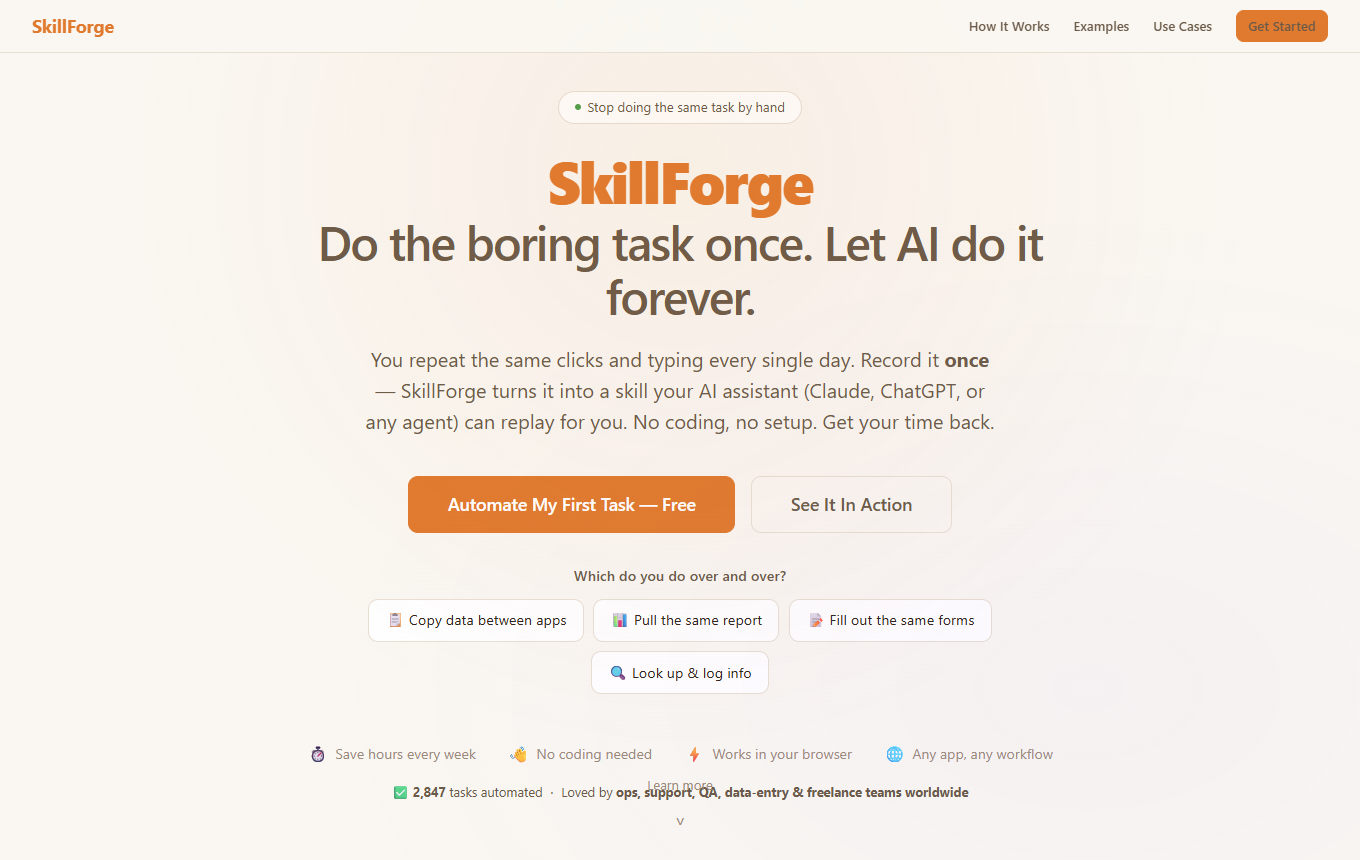
A screen recording documents a workflow that was actually performed; SkillForge translates it into individual actions, initially providing recurring browser work as a traceable sequence of steps.
Free plan, from 9,99 USD/month. Recording and extraction are free, plus 15 free credits; the subscription costs 9,99 USD instead of the regular 15 USD, with a 7-day trial. Source
Start with a short process containing few errors and no sensitive data, and manually check each extracted step before repeating it.
Two ideas for your working day
Record CRM maintenance as a transferable workflow
Record yourself creating a fictional trade fair contact in the CRM and assigning it to a campaign once. Then edit the recognized descriptions and sequence. Export the result as SKILL.md for your agent framework and replace personal data with clear placeholders before sharing the workflow.
Read through the exported workflow with a second test contact: are required fields, selection values, and the final save step unambiguous? Use the editor to add or reorder steps. The export describes the process; separately check whether your target agent can execute it reliably in its own environment.
Teams with stable, recurring on-screen processes that want to document them visibly first and then automate them with agents.
When is SkillForge less suitable?
Before use, check whether features, data processing and costs meet your requirements. Editorial assessment of this newly added tool is not yet complete.
What features does SkillForge offer?
Capture workflows through screen recording; structure steps as agent Skills; review and export Skills
How do I get started effectively with SkillForge?
Start with a short process containing few errors and no sensitive data, and manually check each extracted step before repeating it.
How much does SkillForge cost?
Free plan · from 9,99 USD/month. Pricing details and the documented information date are available in the pricing section of this page.