Dictation in every app
Flow inserts spoken text directly at the cursor position, allowing you to use the same dictation aid for email drafts, notes, or prompts in AI tools.
Wispr Flow: Dictation cleverkitools.comcurated by Clever Mangos
 Not yet rated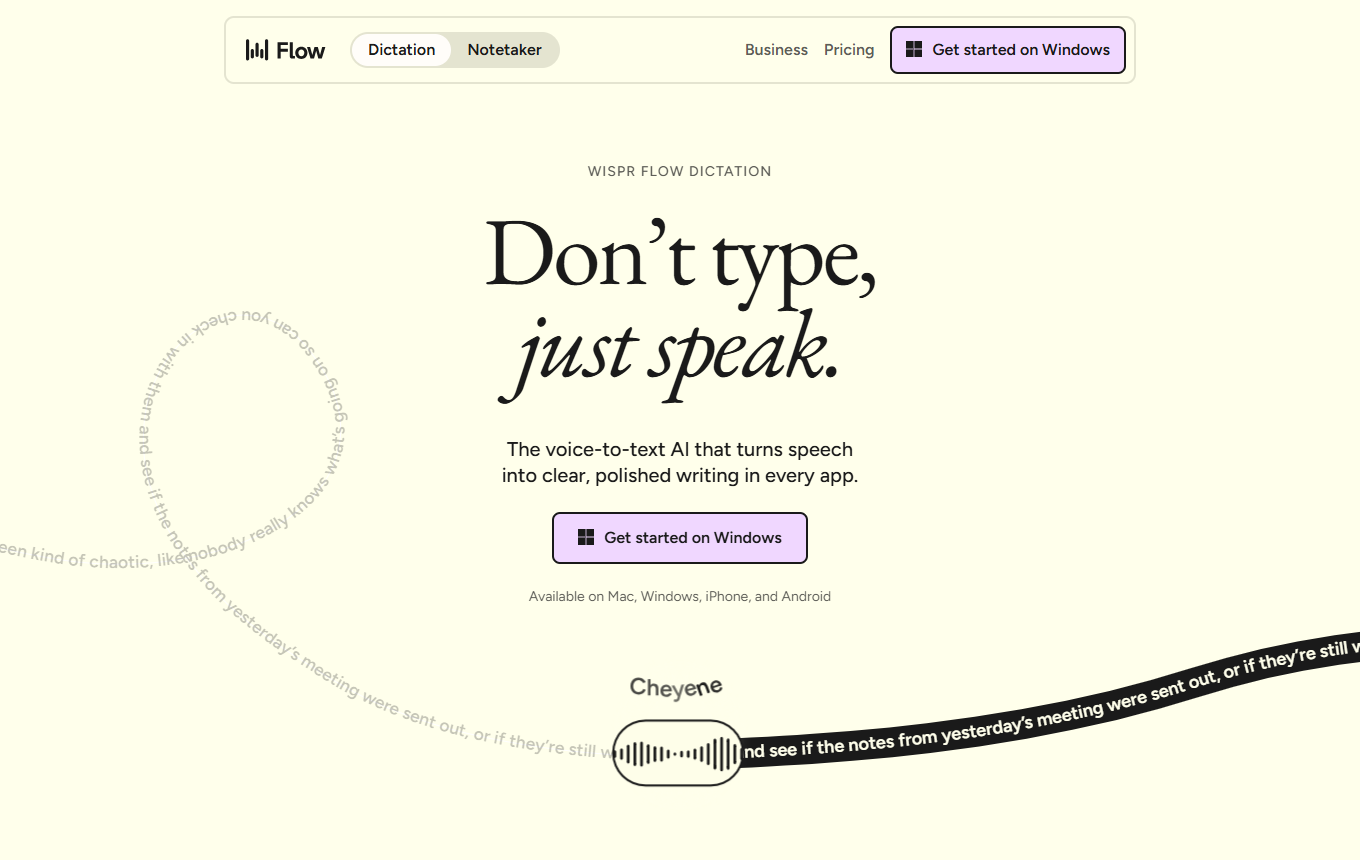
System-wide AI dictation that turns spoken thoughts into neatly formatted text for emails, documents, chats and notes.
Editorial review: unknown
Facts checked: Oct 18, 2026
Translated: Oct 18, 2026
People who create many emails, briefs, notes or drafts and prefer speaking to typing.
Before use, check whether features, data processing and costs meet your requirements. Editorial assessment of this newly added tool is not yet complete.
Flow inserts spoken text directly at the cursor position, allowing you to use the same dictation aid for email drafts, notes, or prompts in AI tools.
Wispr Flow: DictationAs you dictate, Flow removes filler words, adds punctuation and adapts formatting so a spoken customer briefing becomes readable text.
Wispr Flow: DictationFlow supports more than a hundred languages and lets you select the active language specifically when switching between German customer emails and international contacts.
Wispr Flow: DictationFacts checked: Oct 18, 2026
We found a data processing agreement from the vendor. Check the contract for your use case to see which plan it covers and which international data transfers are provided for.
DPA: We found a DPA from the vendor. Check the contract to confirm that it covers your plan and use case.
Data storage: The sources reviewed did not provide clear confirmation of exclusively European data storage and processing.
Facts checked: Oct 5, 2026
Free plan: yes
Permanent free plan with usage limits according to the vendor.
Facts checked: Oct 5, 2026
For recurring tasks such as briefings or follow-up emails, start by testing short dictations and consistently dictate the desired format too.
Add unusual customer names, product abbreviations and technical terms to your personal dictionary. Then dictate a short follow-up email using these terms and check their spelling. This is particularly useful when the same proper names recur in proposals, CRM notes and emails and otherwise always need manual correction.
Wispr Flow: Dictation featuresAfter a customer appointment, dictate a numbered list with owners and deadlines. Correct slips verbally as you go, such as 'Thursday, actually Friday'. Flow describes automatic formatting and cleanup of these self-corrections. Afterward, pay particular attention to numbers and dates before moving the list into your project tool or CRM.
Wispr Flow: Dictation featuresSources: Oct 18, 2026
Properly configured, with model training switched off, no cloud storage for dictations and deliberately chosen context detection, it is a reasonable choice for general drafts and personal productivity.
Tina SaulKINTAL · May 22, 2026
People who create many emails, briefs, notes or drafts and prefer speaking to typing.
Before use, check whether features, data processing and costs meet your requirements. Editorial assessment of this newly added tool is not yet complete.
Dictation in any app; automatic text cleanup; multilingual input
For recurring tasks such as briefings or follow-up emails, start by testing short dictations and consistently dictate the desired format too.
Free plan · from 15 USD/month per user. Pricing details and their documented date are in the pricing section of this page.