Visual scenarios
Connect triggers, data preparation and target systems on a visible canvas so you can trace which information is passed between your apps.
Make: Maia cleverkitools.comcurated by Clever Mangos
 Editorial selection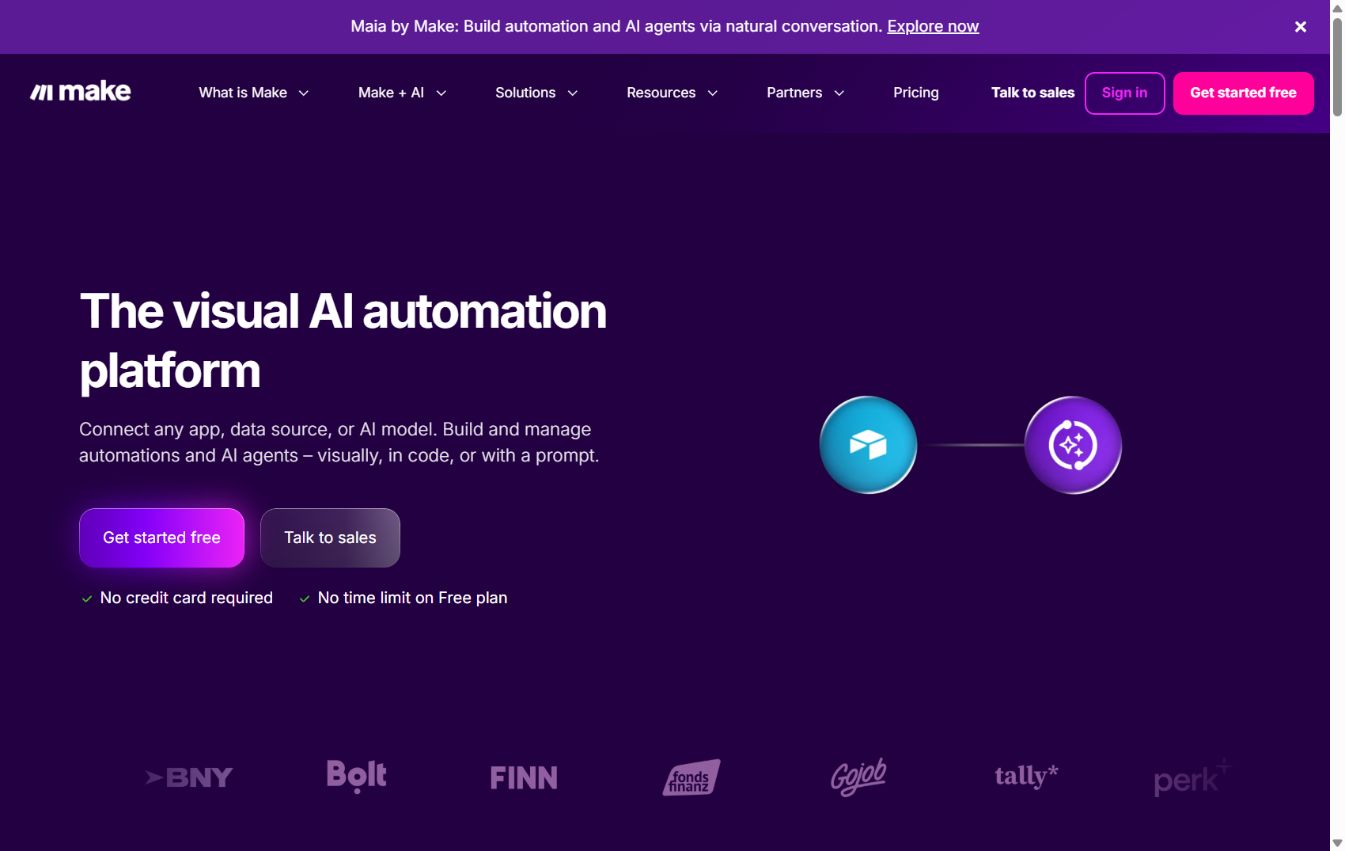
Make combines visual automation scenarios with Maia, sub-agents and controlled tool outputs. This significantly shortens the path from a process idea to a testable AI automation.
Editorial review: Aug 28, 2026
Facts checked: Oct 18, 2026
Translated: Oct 18, 2026
Practical value, usability and value for money, equally weighted.
Teams that want to build multistep automations visually, trace errors and use agents only with clearly restricted tool outputs.
Make stands out through its specific combination of visual scenarios, data routing and small-business automations. Within the Automation & Agents category, this combination sets it apart from general-purpose tools and specialist solutions.
If nobody maintains workflows, checks error paths or understands permissions, visual automations quickly become fragile.
Connect triggers, data preparation and target systems on a visible canvas so you can trace which information is passed between your apps.
Make: MaiaDescribe a desired change in everyday language while Maia visibly adapts the scenario and explains the affected logic step by step when errors occur.
Make: MaiaThe agent can select suitable tools while you trace its decisions in the Reasoning panel and add manual approvals before selected actions.
Make: AI AgentsTypical outputs with Make: visual scenarios, Maia-assisted setup and troubleshooting, and AI agents with controlled results.
Facts checked: Oct 18, 2026
DPA included in the contractual documents; hosting can be selected in the USA or EU (Ireland, Germany for Enterprise); Celonis Inc. is DPF-registered, with SCCs for subprocessors. DPA: yes · EU hosting: optional · Headquarters: Czech Republic (Celonis) · Source
Facts checked: Sep 30, 2026
Free plan: yes
Free plan, from 9 USD/month (annual billing). The Core plan includes 10.000 credits and unlimited active scenarios, costing 10,59 USD on monthly billing; the free plan includes 1.000 credits per month. Source
Free plan
Facts checked: Sep 30, 2026
Build a visual marketing automation: connect a newsletter form, CRM, spreadsheets, AI-generated text and an approval email in one controlled scenario.
Design a workflow that triggers visual scenarios, checks data, identifies failure cases and includes human approval at the end.
Here is a starting point: give an agent ten anonymised contact enquiries and three categories such as quote request, support and partnership. Ask it to return the category and its reasoning. Check the decisions in the Reasoning panel before turning this into an automated CRM process.
Make: AI AgentsHere is how to prepare follow-up emails: connect your CRM and email, generate a draft from meeting notes and add manual approval before sending. Fixed rules for missing contacts and unresolved prices turn the test into a reviewable workflow.
Make: AI AgentsSources: Oct 18, 2026
TechRadar recommends Make for technically minded users who want visible control over branching and error handling, but warns of a learning curve and operations that can be hard to budget for.
TechRadar editorial teamTechRadar · Apr 28, 2026
HERO Software reports saving up to 20 hours of administration per week through reusable Make automations and significantly speeding up quote follow-ups.
Manuel EnsingerMake Success Story · Apr 9, 2026
AUDITSU founder Jason Crispin cites an automated go-to-market infrastructure in Make as important evidence supporting his successful pre-seed funding round.
Jason CrispinMake Success Story · Mar 6, 2026
Teams that want to build multistep automations visually, trace errors and use agents only with clearly restricted tool outputs.
If nobody maintains workflows, checks error paths or understands permissions, visual automations quickly become fragile.
Visual scenarios; Maia for setup and troubleshooting; AI agents with controlled tool outputs
Build a visual marketing automation: connect a newsletter form, CRM, spreadsheets, AI-generated text and an approval email in one controlled scenario.
Free plan · from 9 USD/month (annual billing). Pricing details and the documented status are available in the pricing section of this page.