AI clips with captions
The studio suggests excerpts from existing recordings and prepares them as captioned vertical clips.
Videco: Content Studio cleverkitools.comcurated by Clever Mangos
 Not yet rated
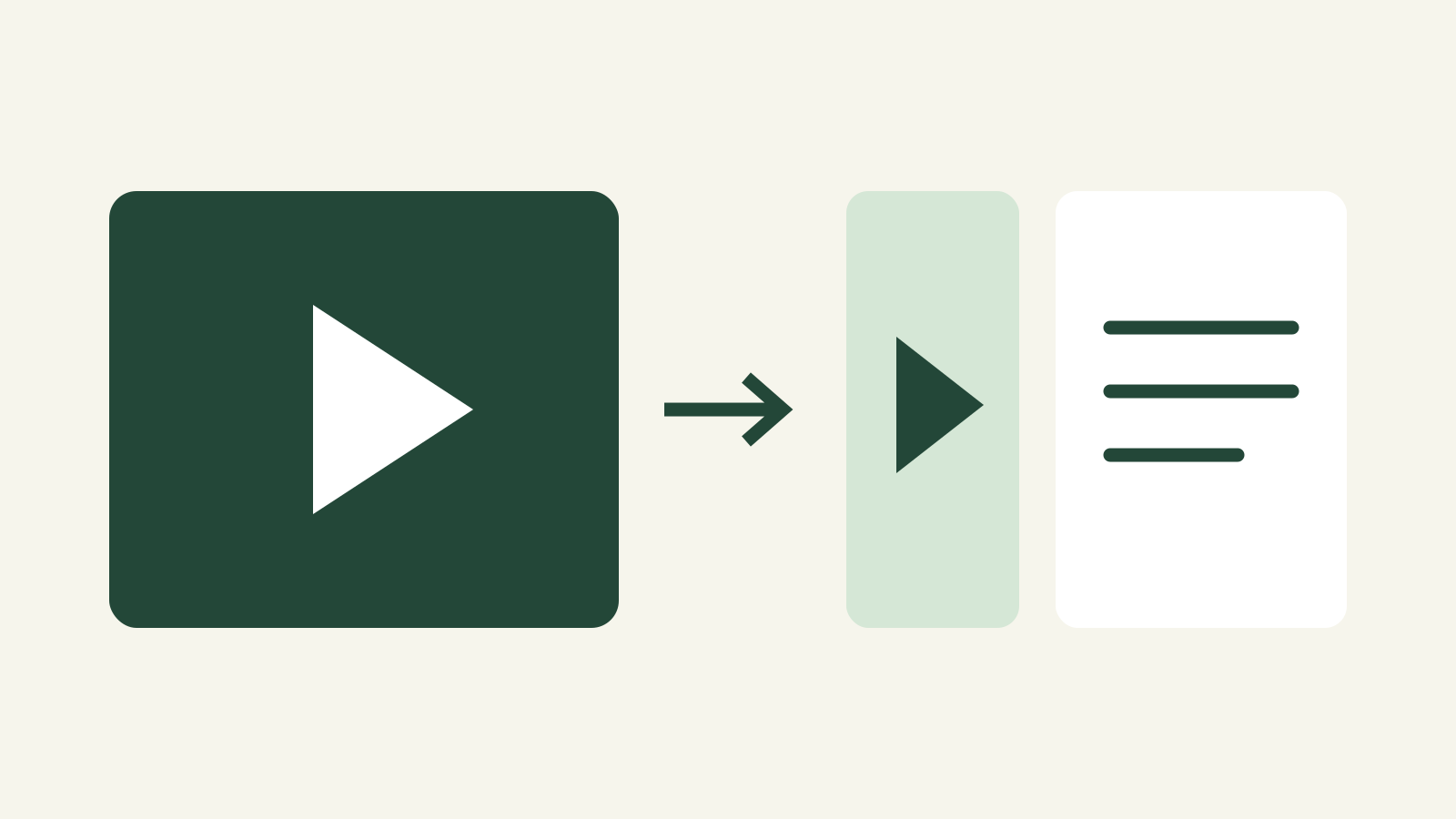
Videco turns webinars, demos and interviews into captioned clips and drafts for blogs and social media. You can host and embed the original video.
Editorial review: unknown
Facts checked: Nov 8, 2026
Translated: Nov 8, 2026
Small marketing teams and freelancers who regularly reuse recordings across channels.
Avoid it for complex video editing or confidential recordings until AI data processing has been clarified. Budget separately for AI credits and hosting limits.
The studio suggests excerpts from existing recordings and prepares them as captioned vertical clips.
Videco: Content StudioThe same video supplies first drafts for blog articles and social posts that you can edit before publishing.
Videco: Content StudioYou can embed the original on your site with a hosted player; playback is subject to plan limits.
Videco: product overviewFacts checked: Nov 8, 2026
Client: unknown · Server: unknown
Facts checked: Nov 8, 2026
The provider states that account data and uploads are stored in the EU. We could not verify a DPA or where AI processing takes place.
Facts checked: Nov 8, 2026
Free plan: no
Pro includes no AI credits. Business costs 49 USD/month and includes 100 AI credits per month.
7-day trial with no included AI credits.
Facts checked: Nov 8, 2026
Start with an approved product demo and compare the suggested clips with the original before exporting.
Choose a self-contained point from an approved webinar. Check the context and correct technical terms in the captions before exporting.
Videco: Content StudioEmbed the complete product demo on your landing page and use a short excerpt for social media. Check the bandwidth limit before sharing with a large mailing list.
Official prices and AI creditsSources: Nov 8, 2026
Small marketing teams and freelancers who regularly reuse recordings across channels.
Avoid it for complex video editing or confidential recordings until AI data processing has been clarified. Budget separately for AI credits and hosting limits.
AI clips with captions; Blog and social drafts; Video hosting and embeds
Start with an approved product demo and compare the suggested clips with the original before exporting.
Paid · from 9,99 USD/month. See the pricing section for details and the verification date.